This site showcases five selected projects from my hands on labs from this class! Each lab focuses on a different part of digital media such as visual design, branding, audio production, web development, and interactive prototyping.
Click any lab card below to jump to a detailed description, see previews, and read what I learned from the project.
Lab 2
Tools: Illustrator / Canva
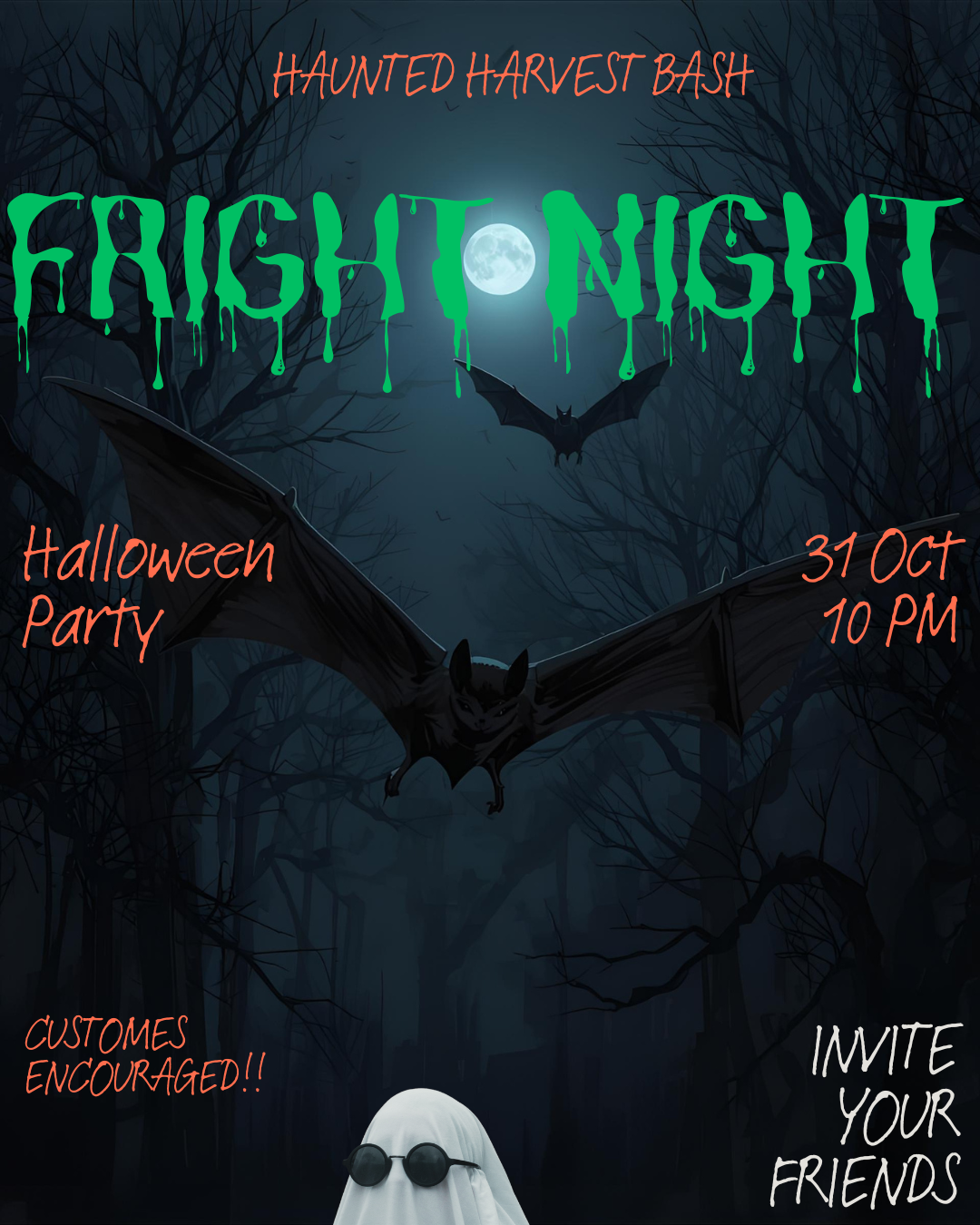
I designed a Halloween-themed poster using a dark color palette, a dripping title, and a moonlit forest scene to create a spooky, eye-catching design.
What I learned: how color, layout, and typography work together to set a visual mood.
Lab 4
Tools: Adobe Illustrator
I created a personal logo using a shield shape and my initials, symbolizing strength and cybersecurity. The design focuses on clean lines and a modern color scheme.
What I learned: how to build scalable vector graphics and design a simple, readable logo.
Lab 6
Tools: Audacity
I produced a 30-second podcast intro combining voiceover with royalty-free music to create a clean and professional sound.
What I learned: how to edit audio, reduce noise, and balance narration with background music.
Lab 7
Tools: HTML, CSS
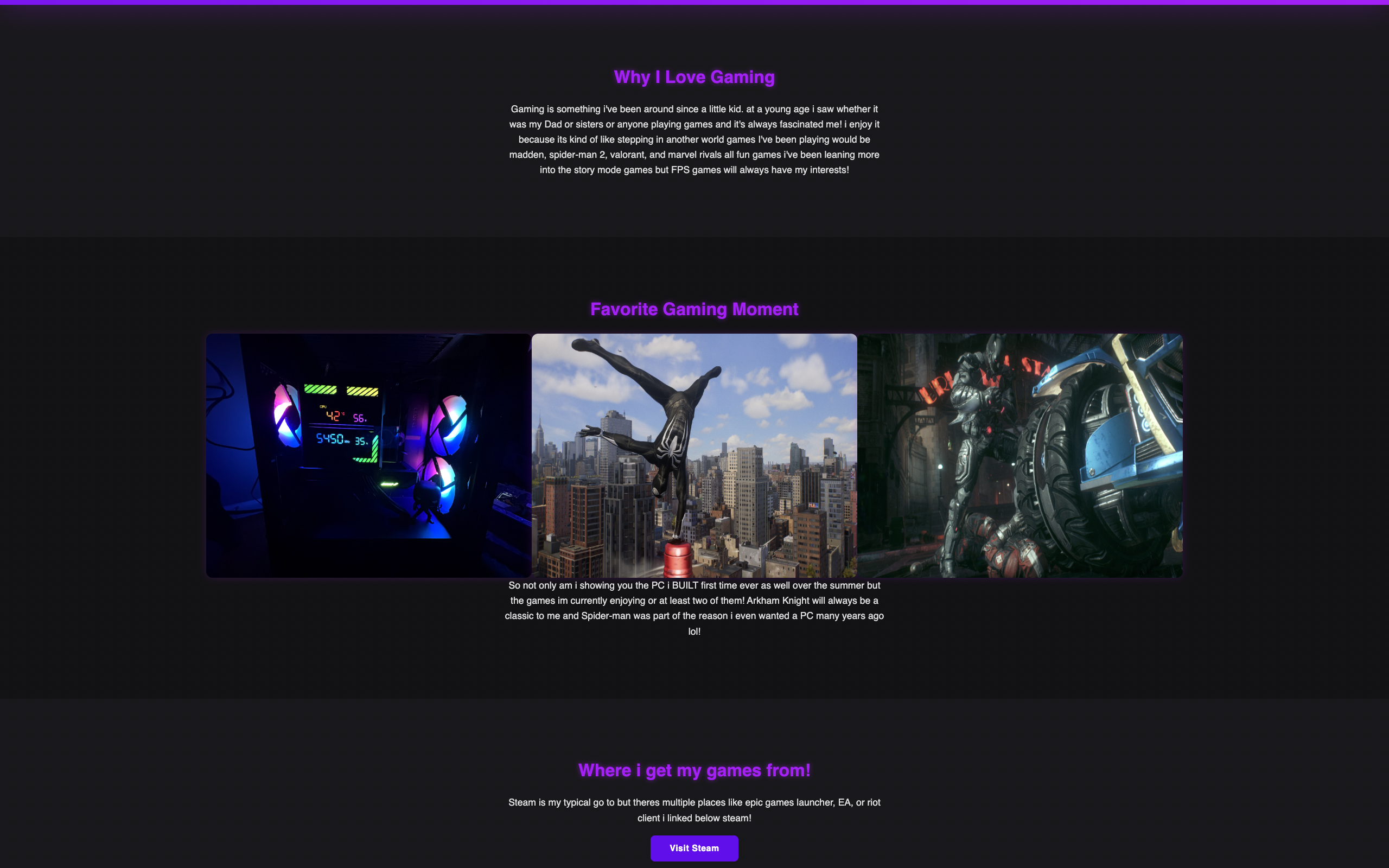
For this lab, I built a one-page website about my gaming hobby. It includes structured sections, hover effects, a call-to-action button, and a custom color theme.
What I learned: how to structure a webpage and use CSS to make it interactive.
Lab 12
Tools: Figma
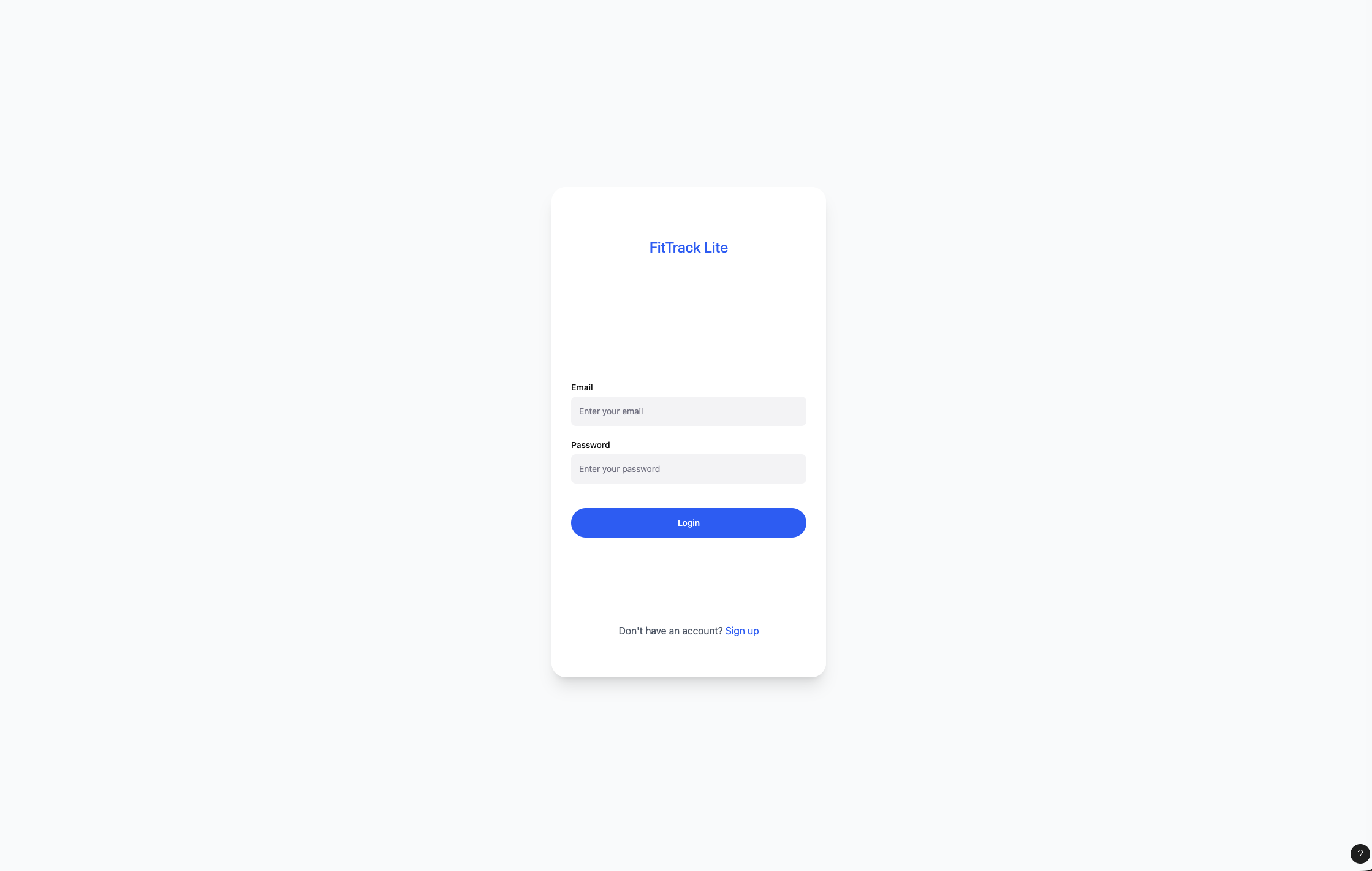
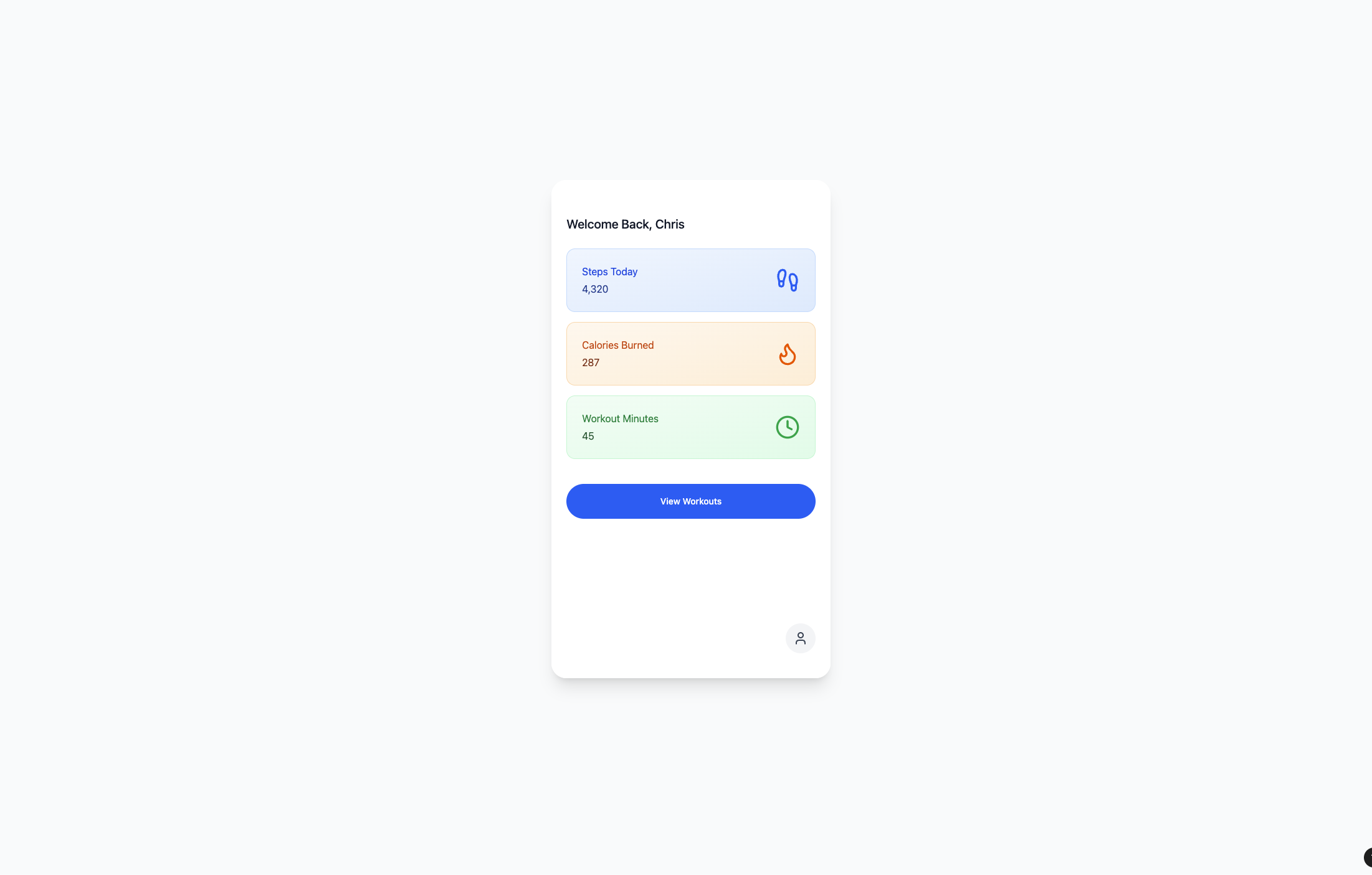
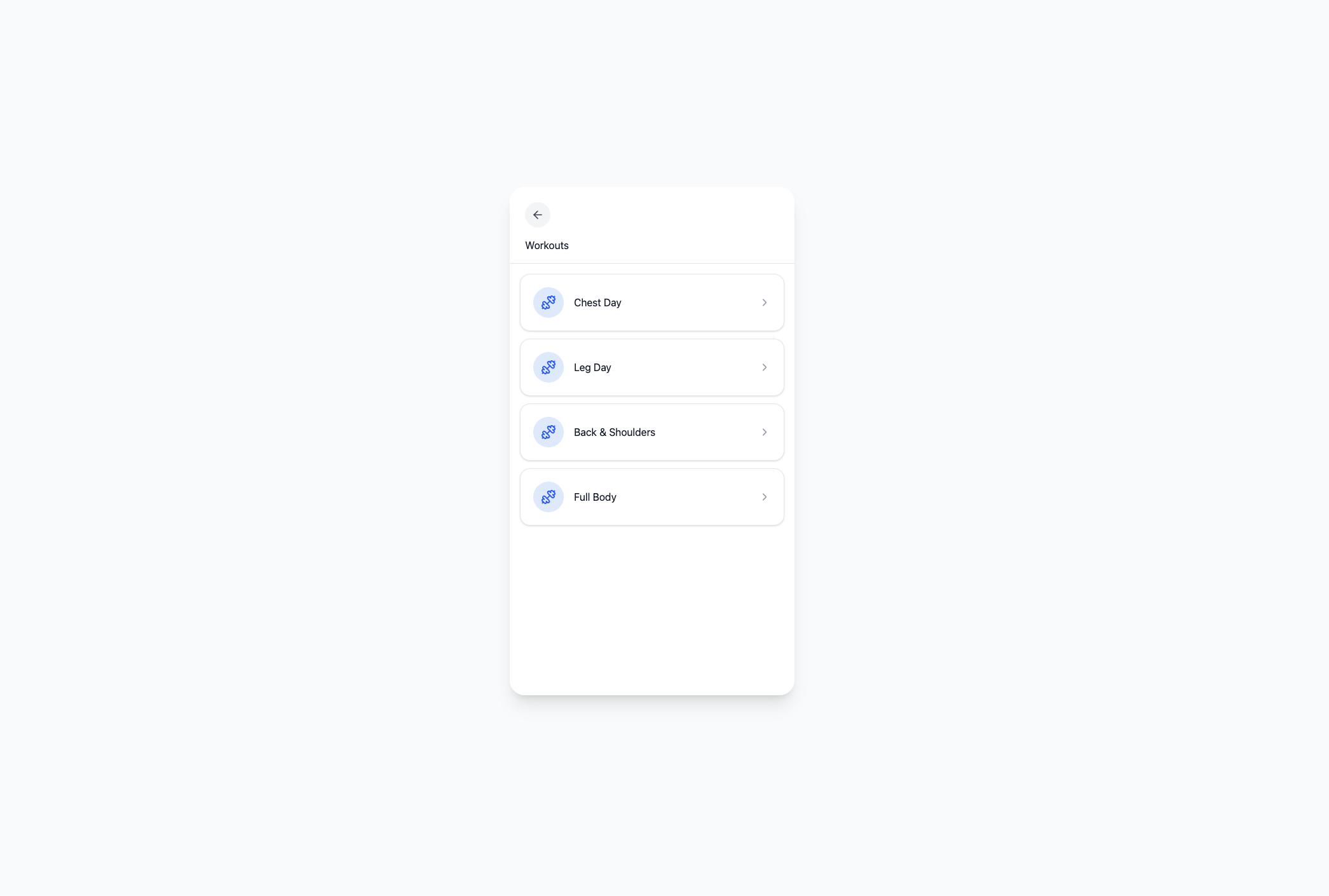
I designed a five-screen fitness tracking app with a light color scheme, simple navigation, and linked prototype interactions.
What I learned: how to design UI layouts and create interactive flows in prototype mode.